Aido 1.15.0 update
Speak to add and AI meeting summaries
Talk as long as you like and AI splits it into to-dos with dates, times and repeats filled in. See the new Voice notes for meetings and classes, repeating to-dos, the new Premium screen and a 2-week free trial on yearly plans in real app screens.
Released · v1.15.0
Speak to add: talk, and AI splits it into to-dos
Tap the mic on the add screen and say everything on your mind. Speech recognition turns your words into text, then AI splits that text into several to-dos and fills in dates, times, repeats, categories and private settings.
- Say it all at once, like “call the dentist at 3 and buy milk on the way home.”
- It understands “every day,” “Mon, Wed and Fri,” “all next week” and “just for me.”
- What it hears appears as text while you talk.
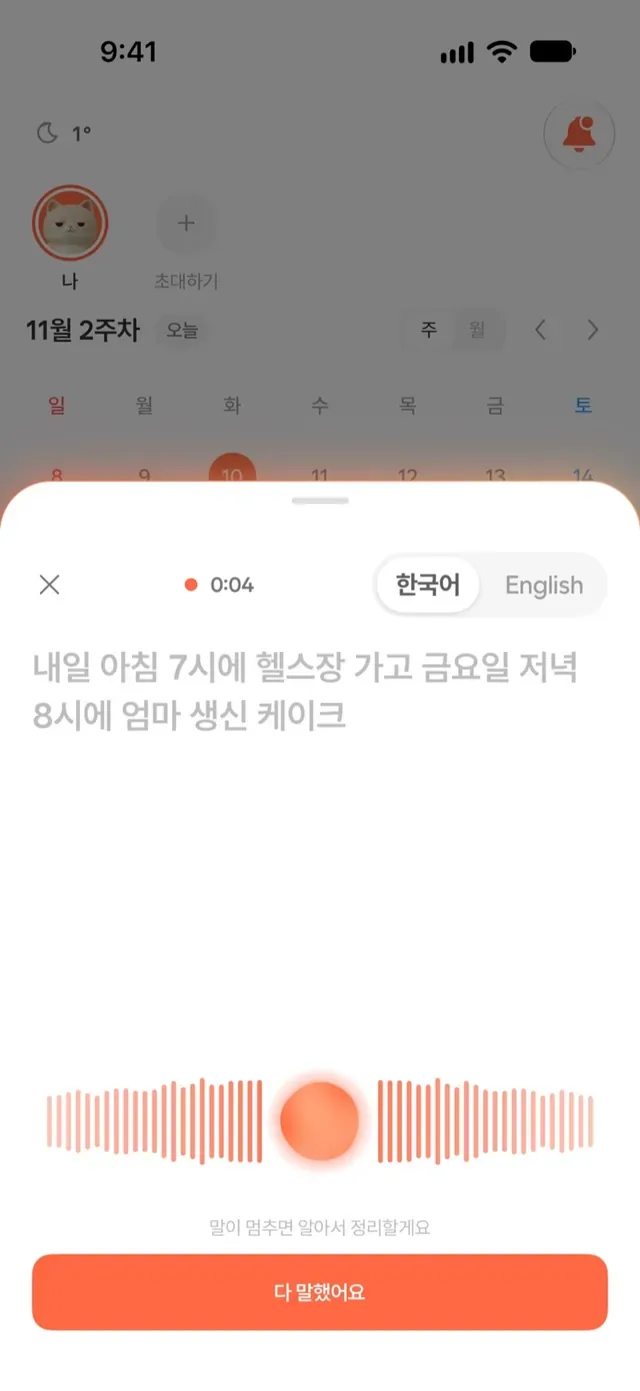
Your words appear as you talk. 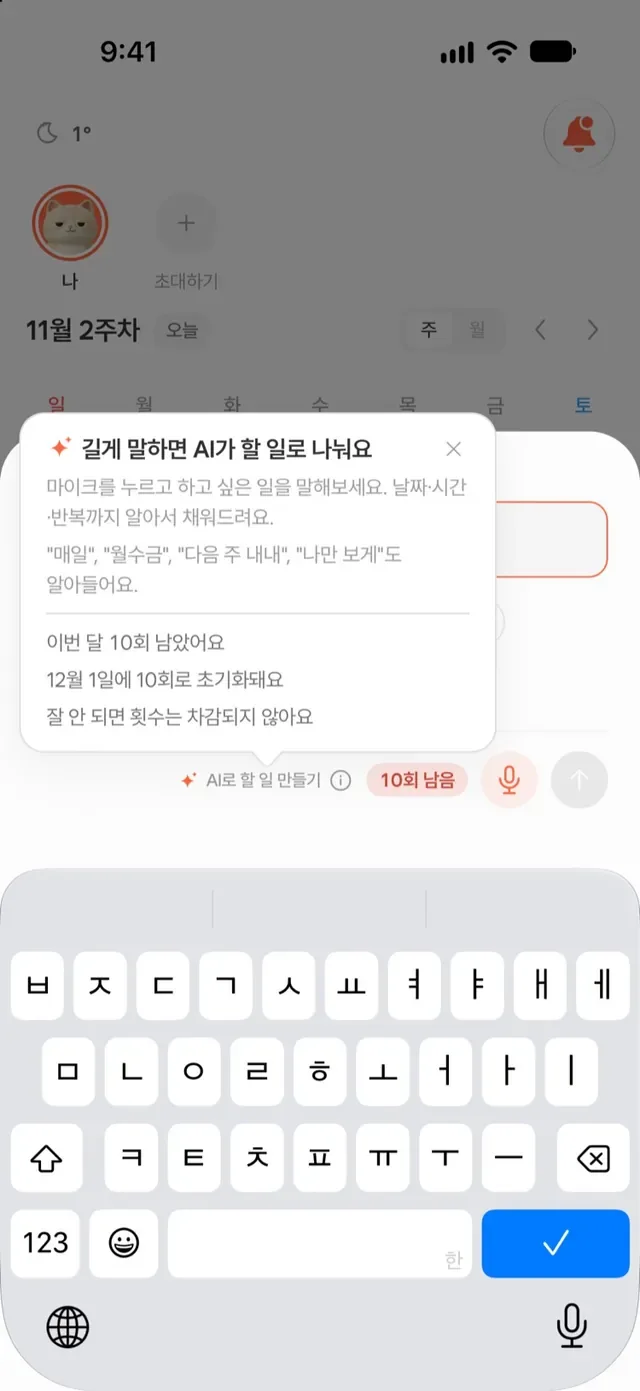
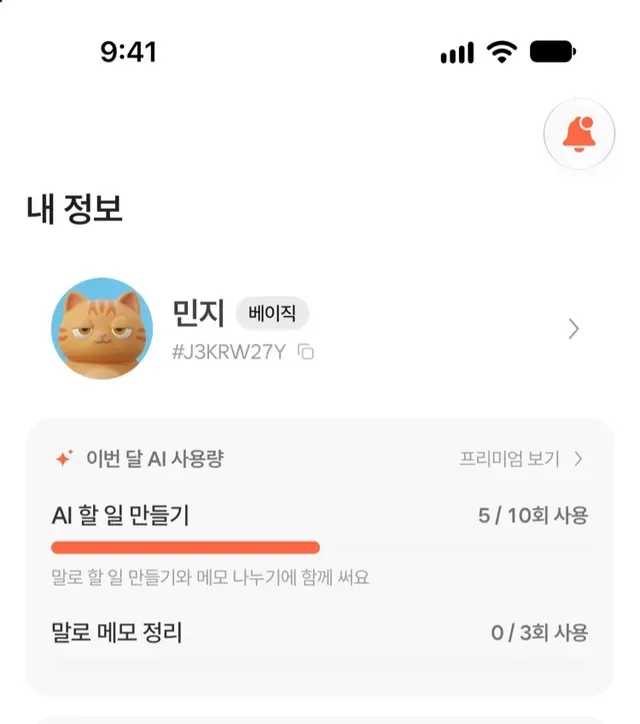
Tap ⓘ to see uses left and when they reset.
Pick and edit before you add
The to-dos AI suggests show up as a list first. Check only the ones you want, and tap one to edit its title, date, time or repeat. Nothing is saved until you tap the button at the bottom.
- To-dos you already have are marked and left unchecked at first.
- Failed attempts don't count, and typing to-dos yourself stays free.
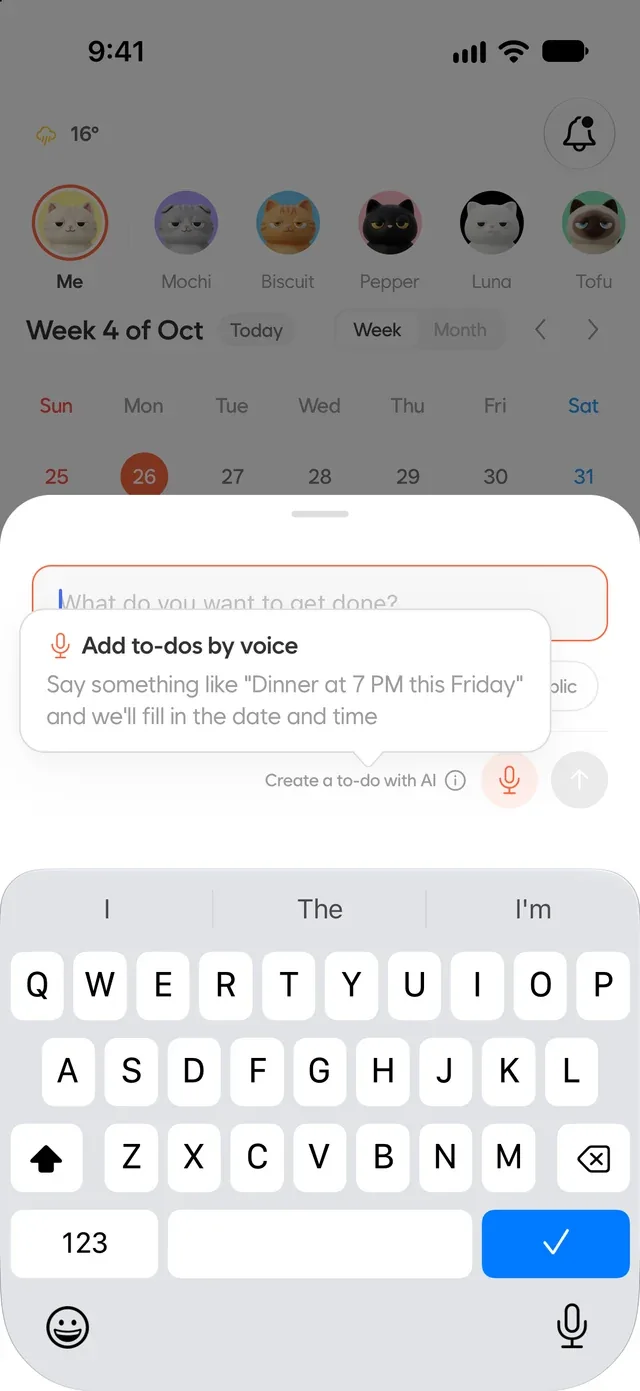
Up to 1.14.2 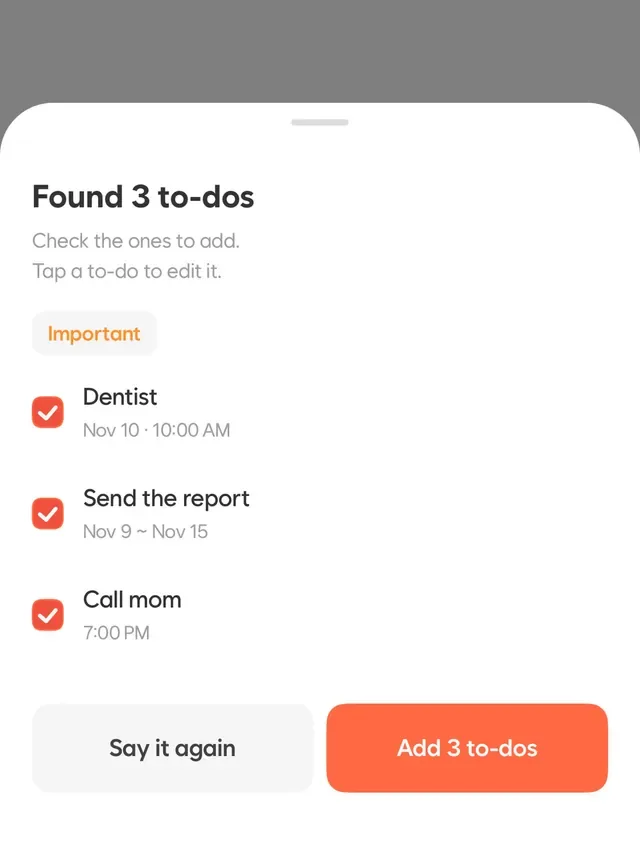
From 1.15.0
Voice notes: AI sums up your meetings and classes
Tap Voice notes on the Notes tab and let it hear a meeting or class. Stop and sort it out, and AI finds a summary, key points and to-dos. Pick the to-dos you want and add them right away.
- Mark the moments that matter while you record.
- Tap a key point to listen from there.
- Audio files are saved on your device and aren't sent to Aido's servers. They're deleted automatically after 30 days, and you can delete them anytime in Me > Recording storage.
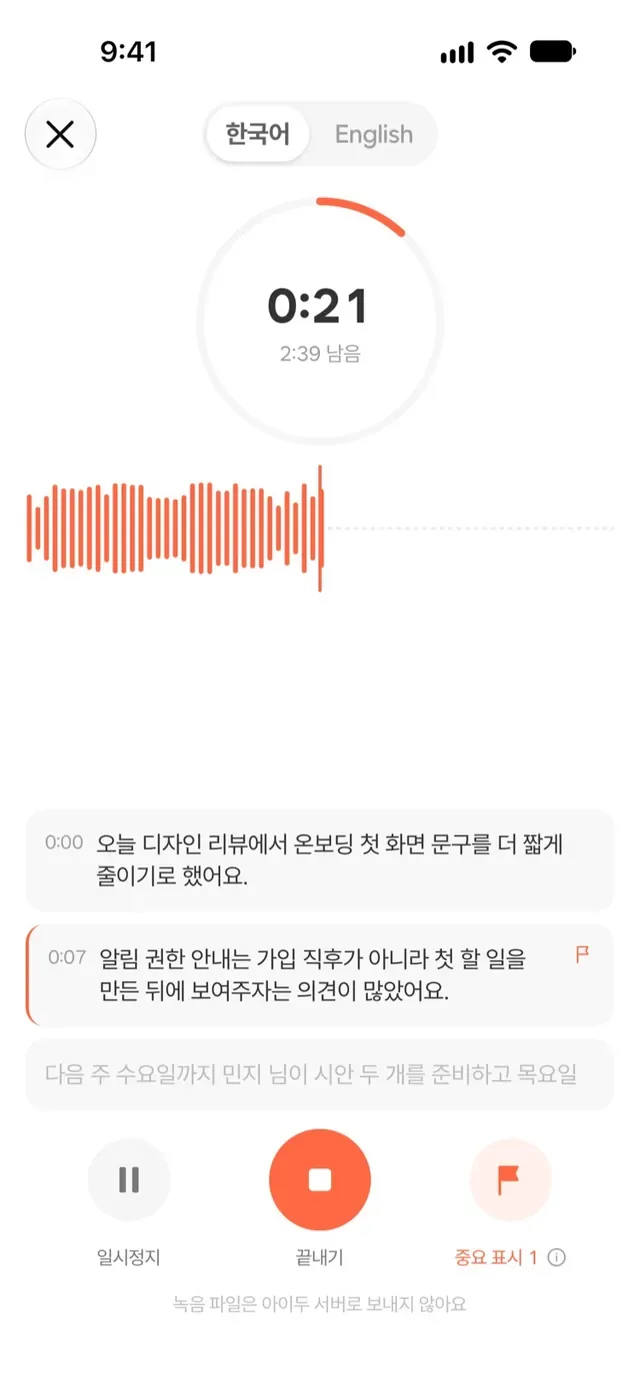
Mark important moments as you record. 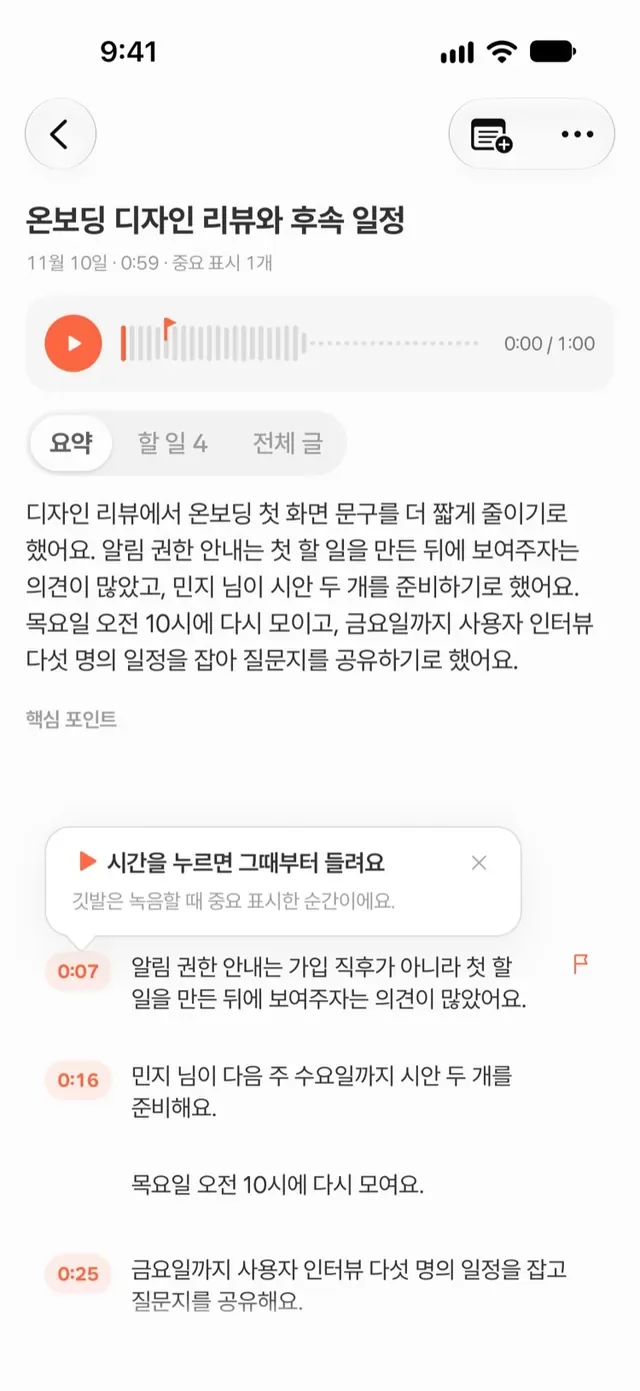
Get a summary, key points and to-dos.
AI turns your written notes into to-dos
Tap “Split into to-dos with AI” on a note, and AI splits what you wrote into to-dos. Just like Speak to add, pick and edit the ones you want.
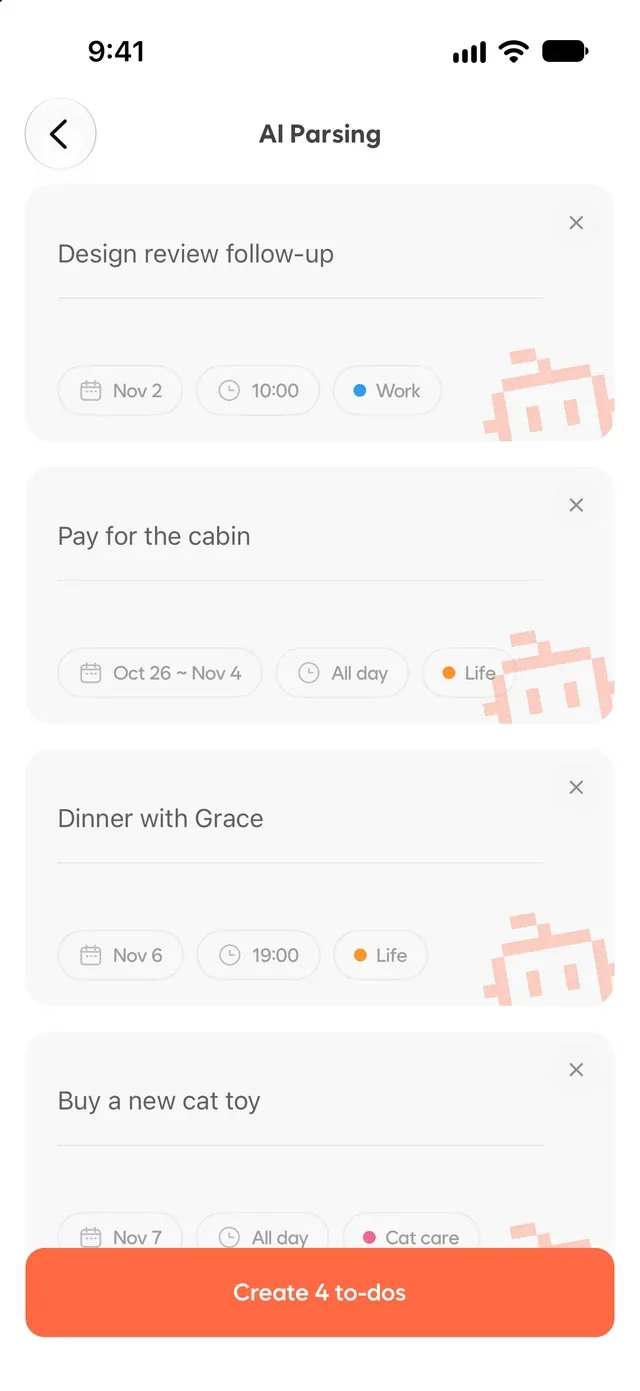
Up to 1.14.2 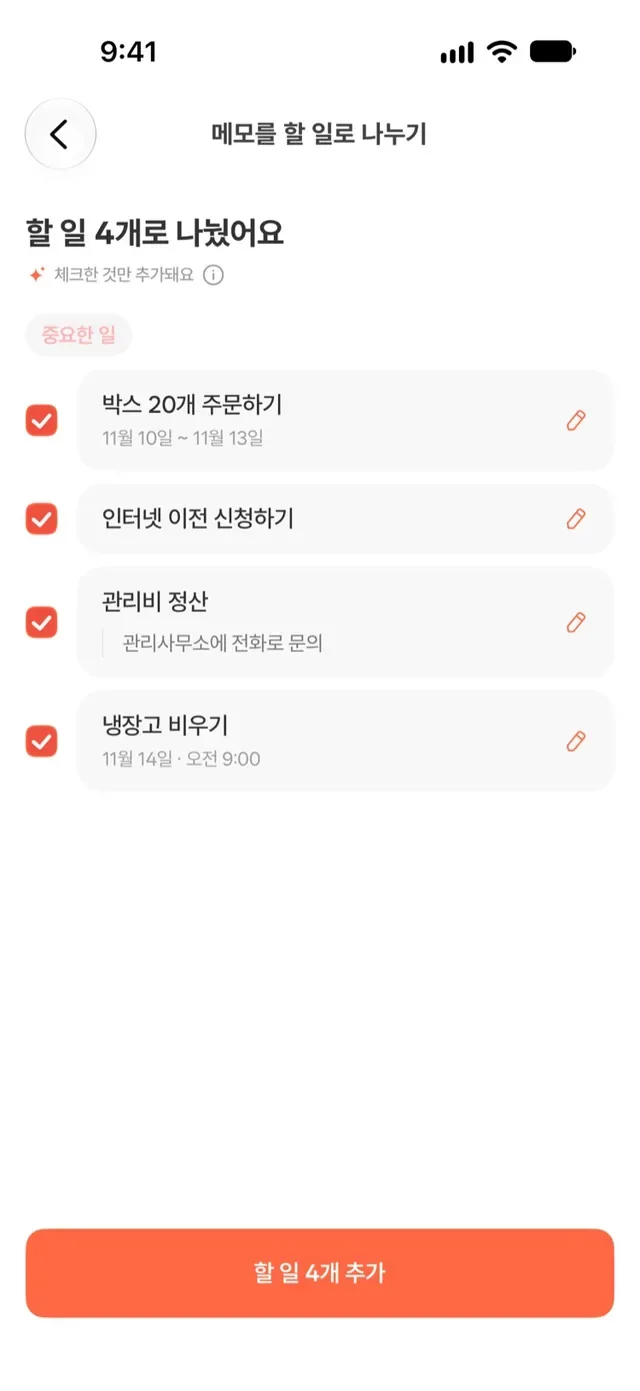
From 1.15.0
Repeating to-dos: from daily to every Mon, Wed and Fri
Repeat a to-do daily, on weekdays, weekly, every other week or monthly, for a set period or with no end. Saying “work out every Mon, Wed and Fri” works, too.
- When you edit or delete one, choose Just this one, This and following, or All in this repeat.
- The list shows how often each to-do repeats.
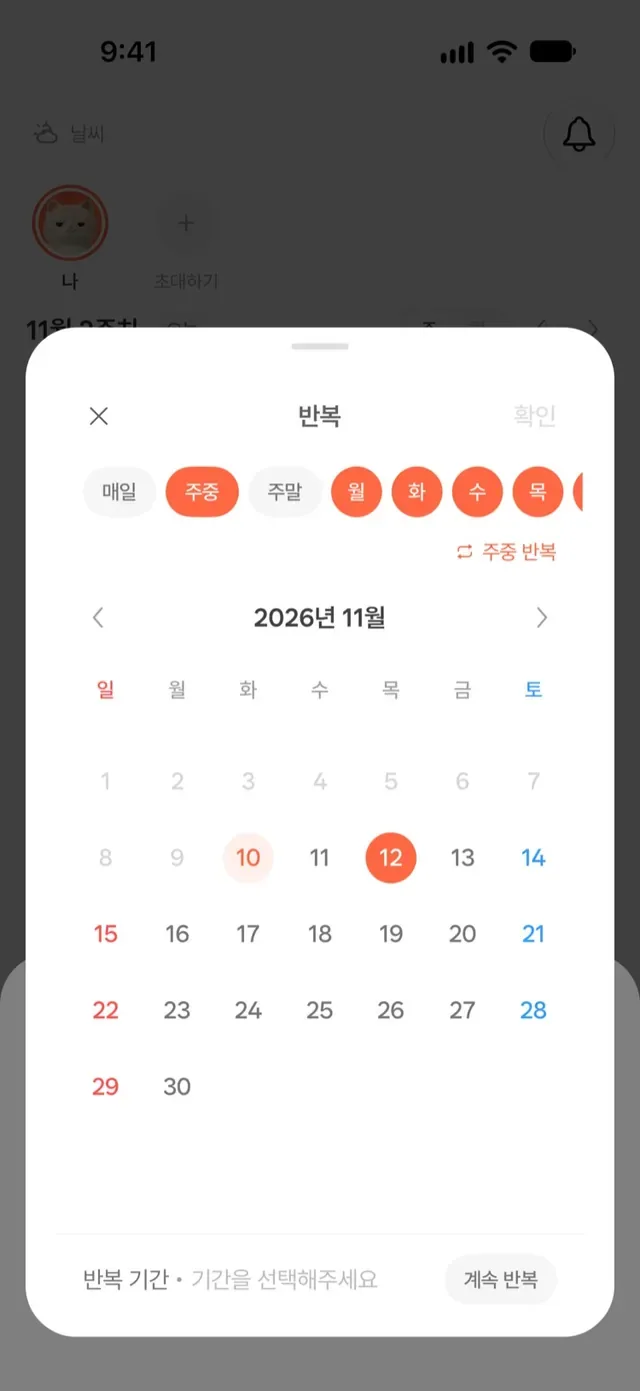
Choose the days and how long.
A new Premium screen and 2 weeks free on yearly plans
Swipe through the benefits and compare Free and Premium in a table. Tap a feature name to see what it does. After you subscribe, a welcome screen helps you get started with your plan.
- New yearly subscribers can get 2 weeks free (accounts the store marks as eligible).
- We'll remind you 3 days before a free trial ends and 7 days before a yearly plan renews.
- Places that use AI show how many uses are left this month. Run out? See your usage and when it resets.

Swipe through the benefits. 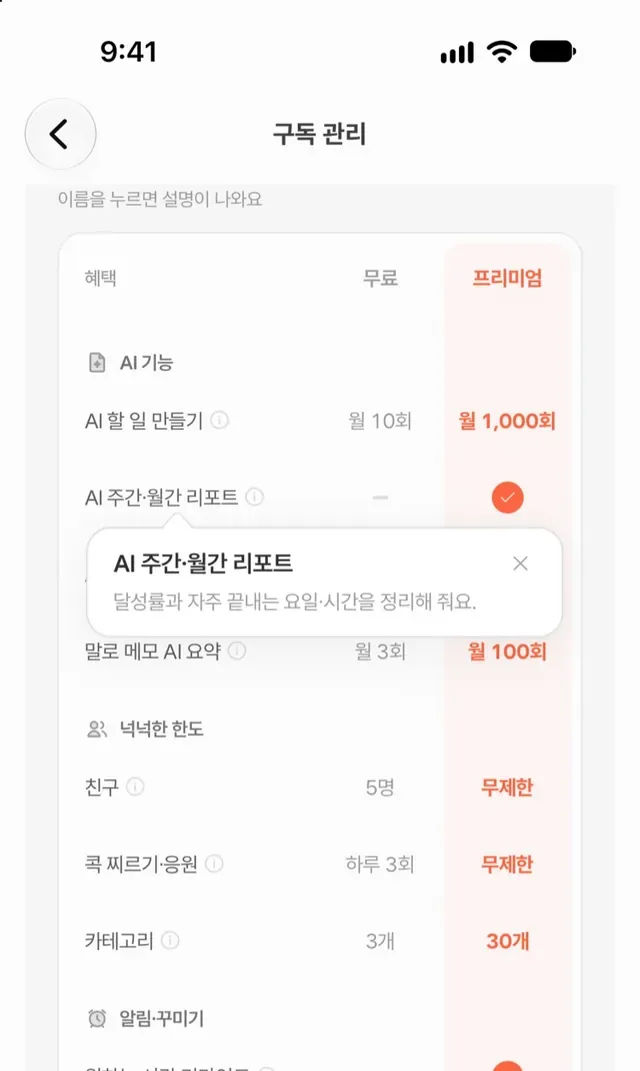
Compare Free and Premium at a glance.
Two panes on iPad, foldables and iPhone Duo
On wide screens, the Me tab shows two panes. The menu stays on the left while the right side changes, so moving between settings, friends and reports is easier.
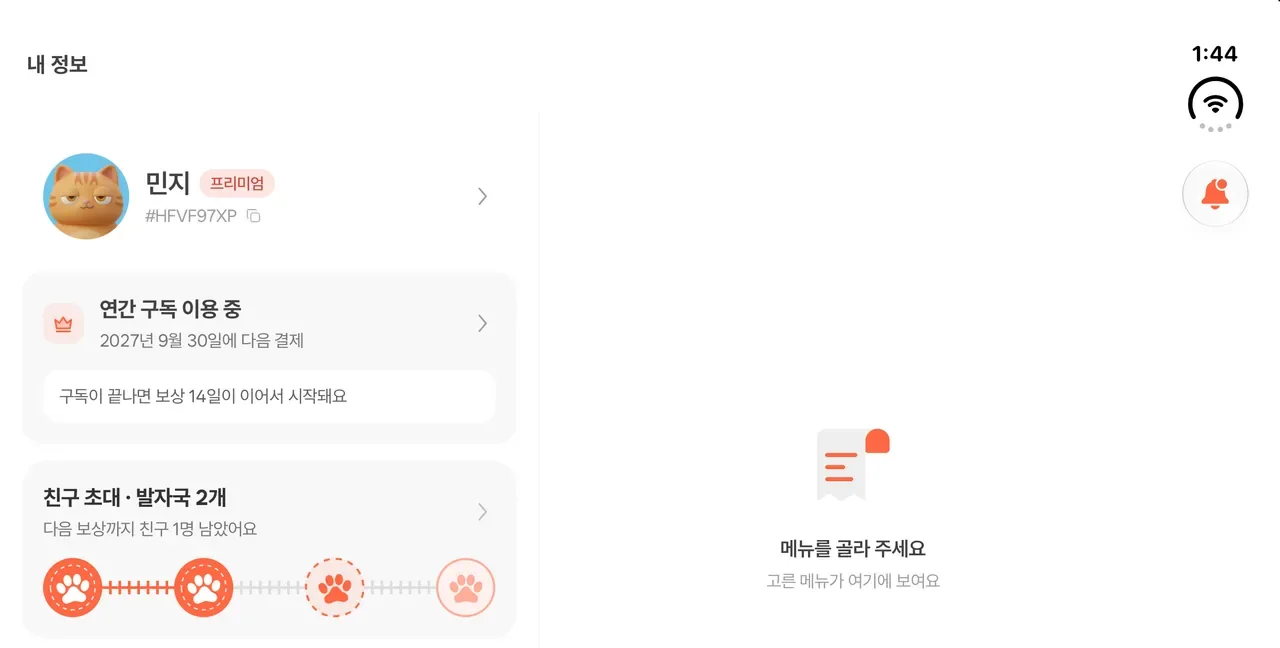
The Me tab on an unfolded iPhone Duo
More changes
We also polished the little things you use every day.
- We ask for notifications once at sign-up and for location only when you check the weather. If notifications are off when you set a time for a to-do, we'll tell you right there.
- To-do times stay put when you travel. A to-do set for 10 AM in Korea still reminds you at 10 AM local time abroad.
- A filled bell with an orange dot shows when you have unread notifications.
- Fixed “Hide replies” showing with nothing to hide, and tapping a notification while the app was closed opening the to-do tab.
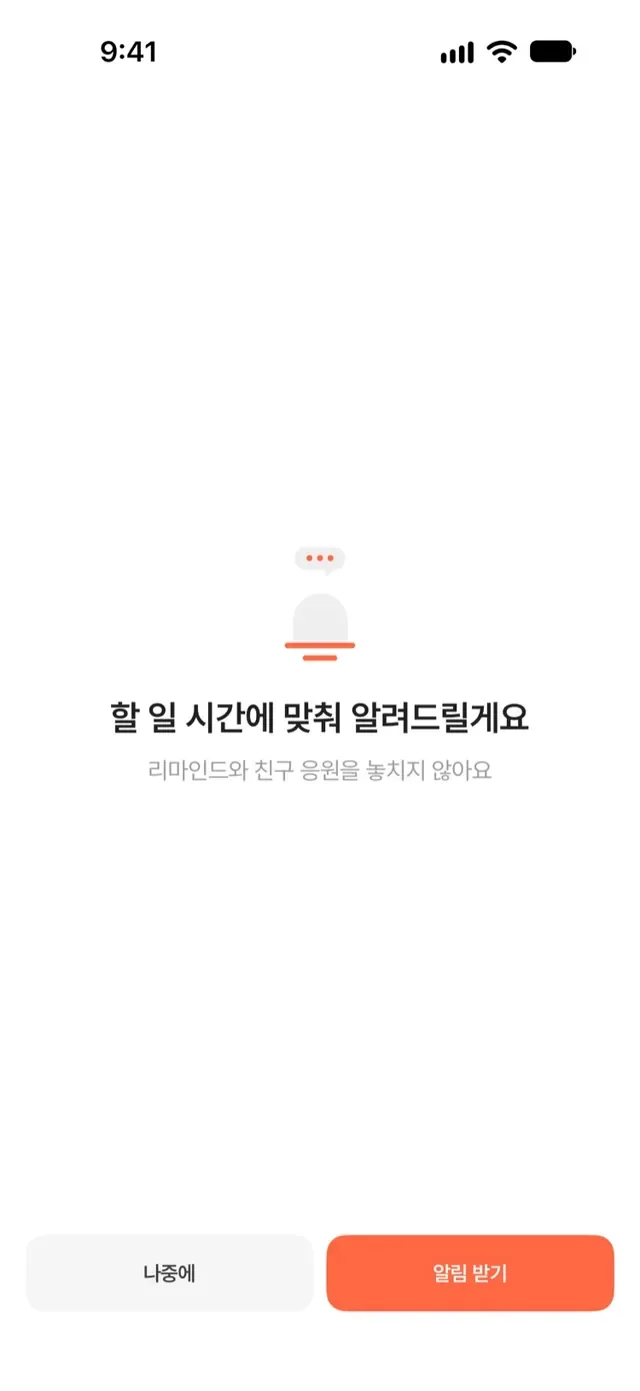
We ask about notifications once at sign-up.
What Free and Premium include
| Feature | Free | Premium |
|---|---|---|
| AI to-dos (text, voice and notes) | 10 a month | Up to 1,000 a month |
| Voice notes | 3 a month, up to 3 min each | 100 a month, up to 30 min each |
| Replay and jump to key points | Included | Included |
| Friends | 5 (+1 for each qualifying invite) | Unlimited |
| Categories | 3 | 30 |
| Nudges and cheers | 3 each a day | Unlimited |
Adding and completing to-dos works on every plan. See prices and full terms in the app.
Want every change?
The patch notes list every fix and small improvement in this update.
Read the full patch notes